Date: 16.06.2020
Software used: Rhino6, Grasshopper
Excersize 1
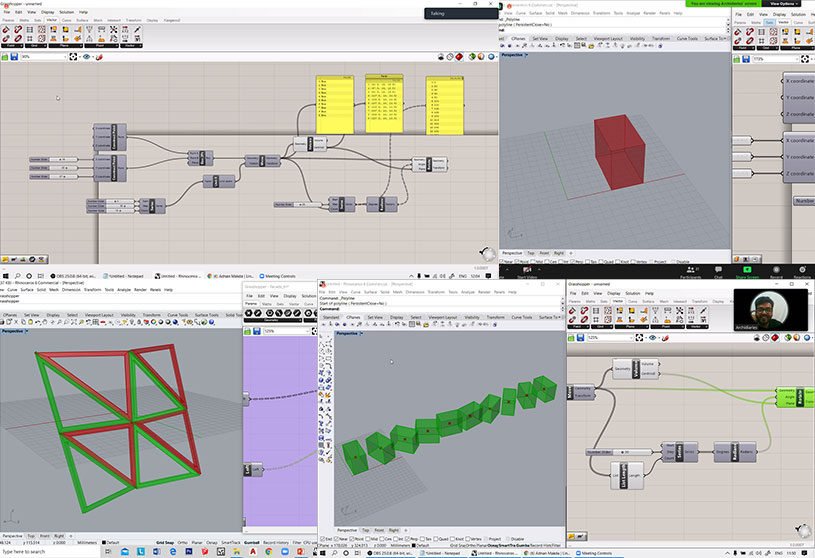
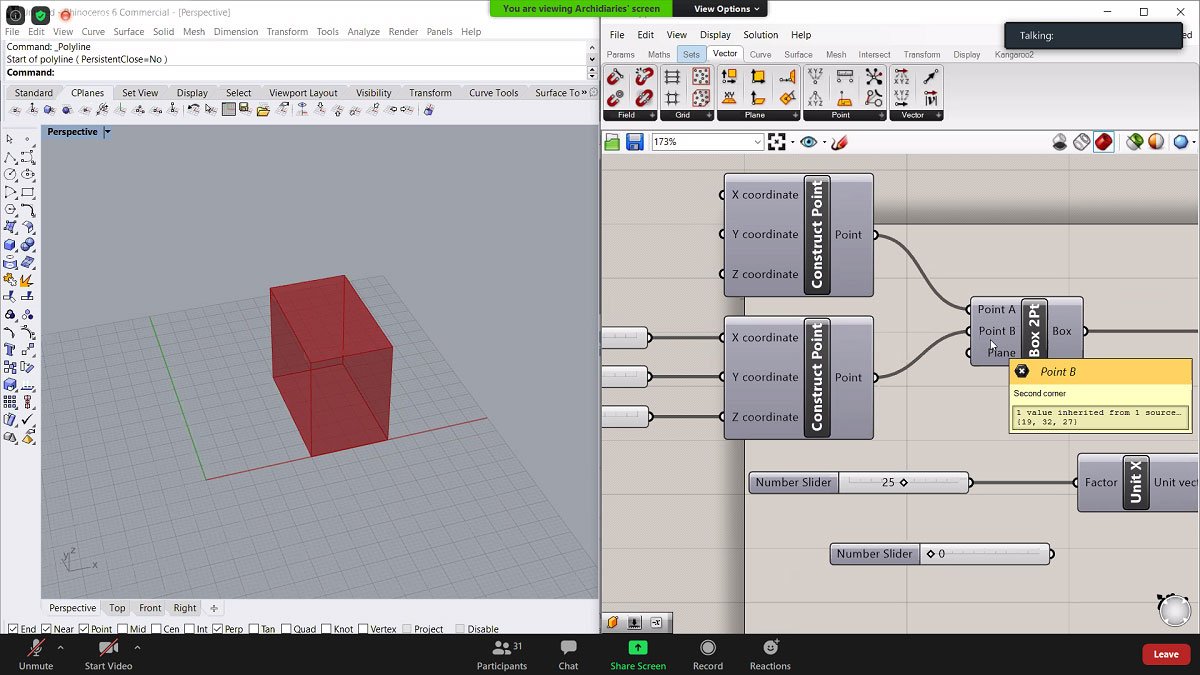
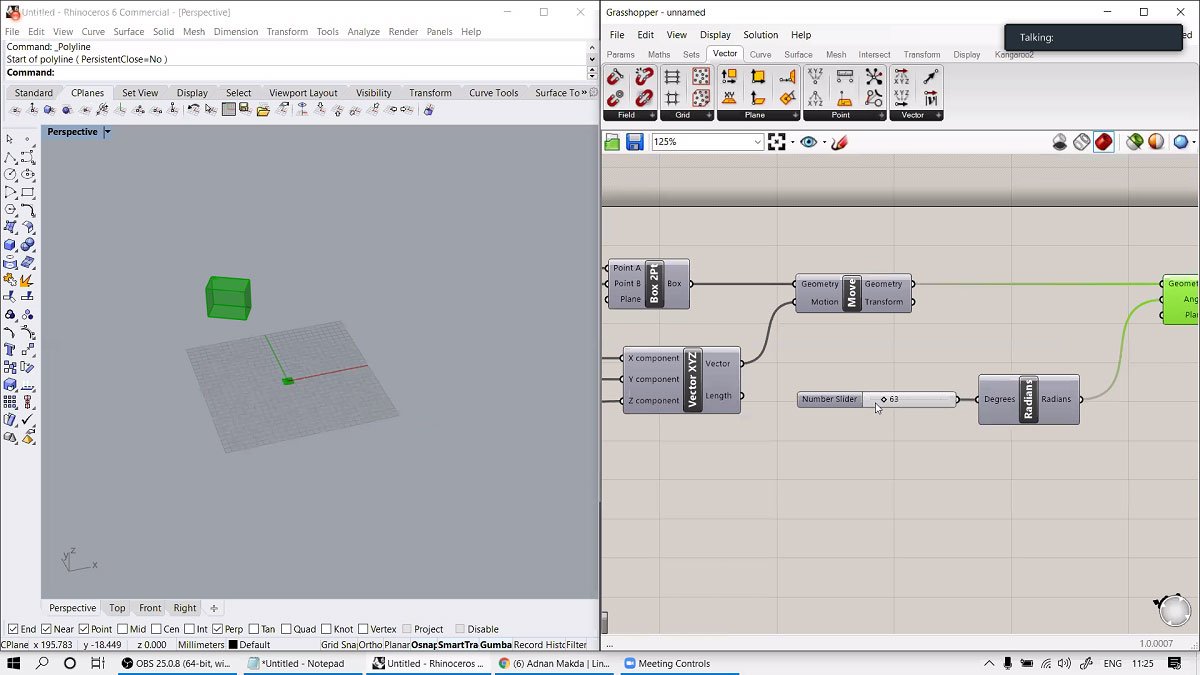
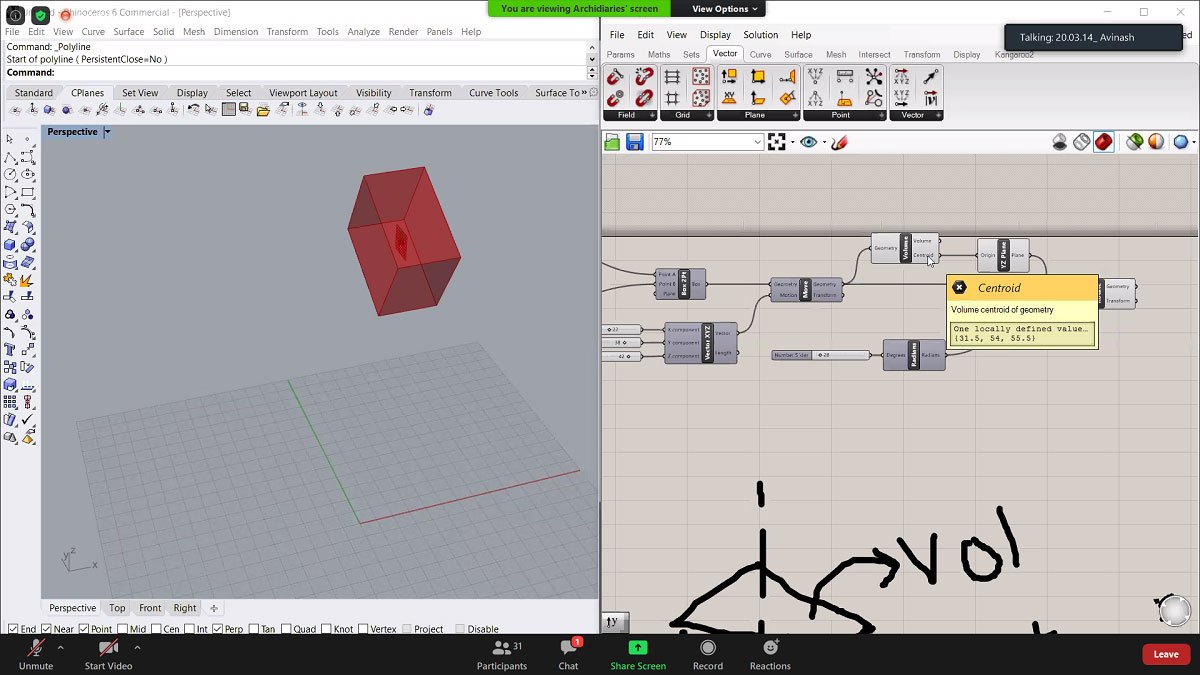
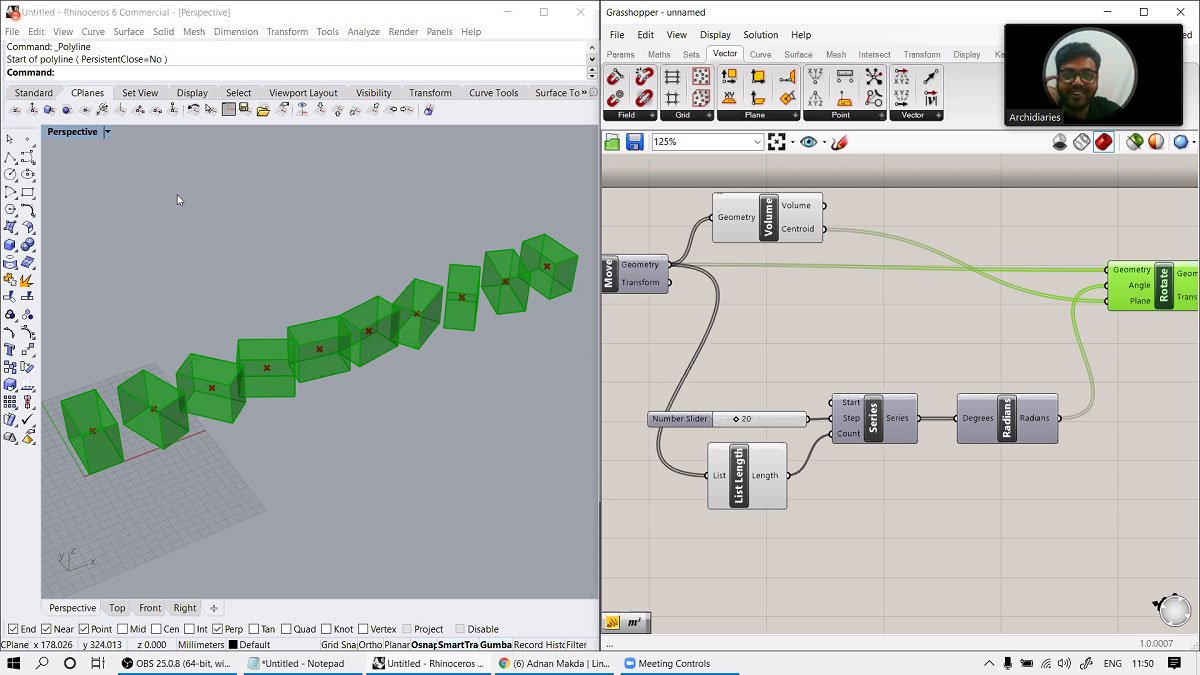
This exercise was to get familiar with basic components their functioning in grasshopper such as Box 2pt , Rotate ,Series and Move.
Tools Used: Box 2pt, Rotate, Move, Series.
Excersize 2
Software used: Rhino6 , Grasshopper
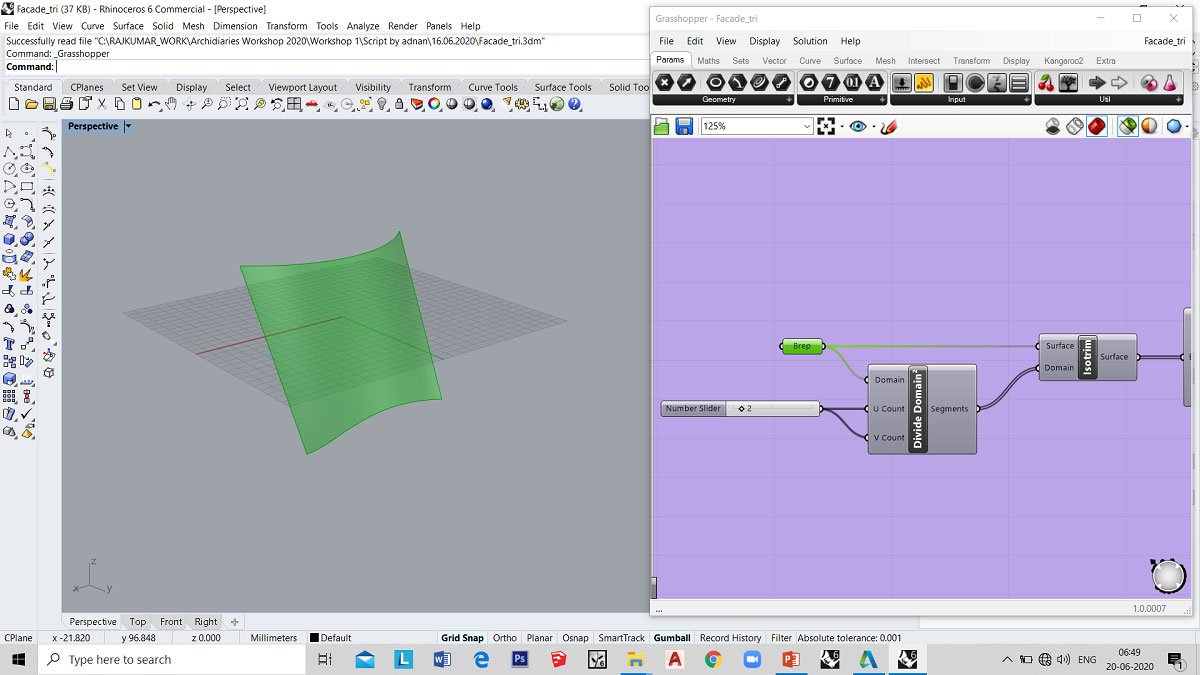
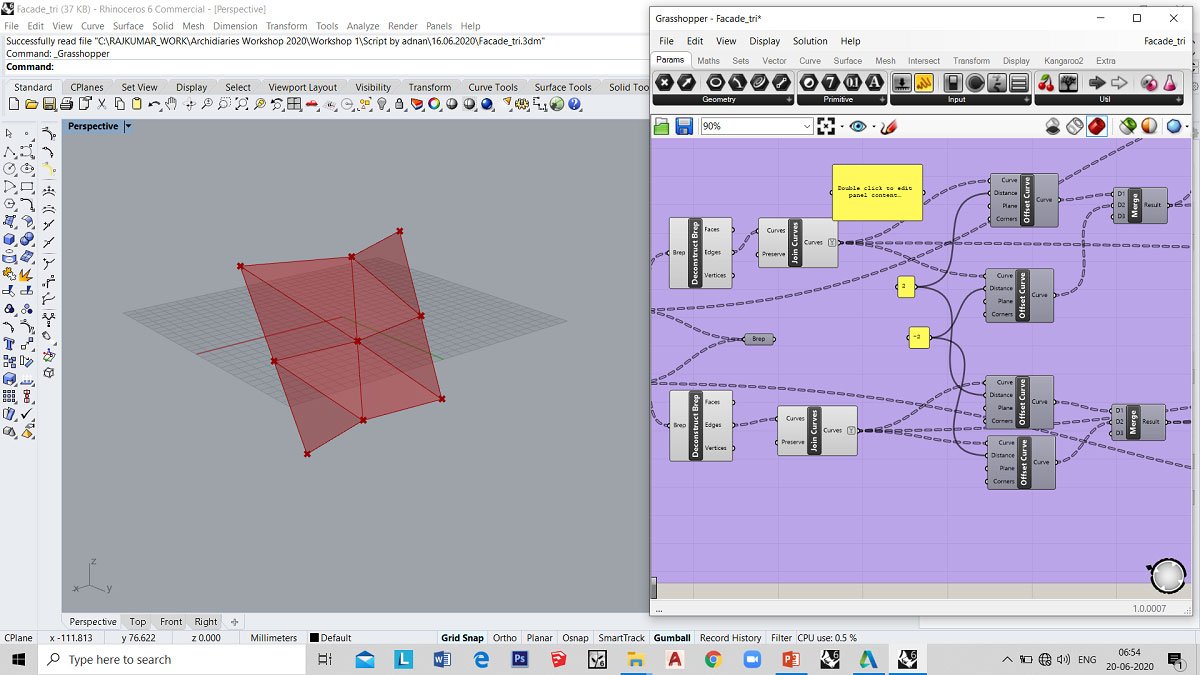
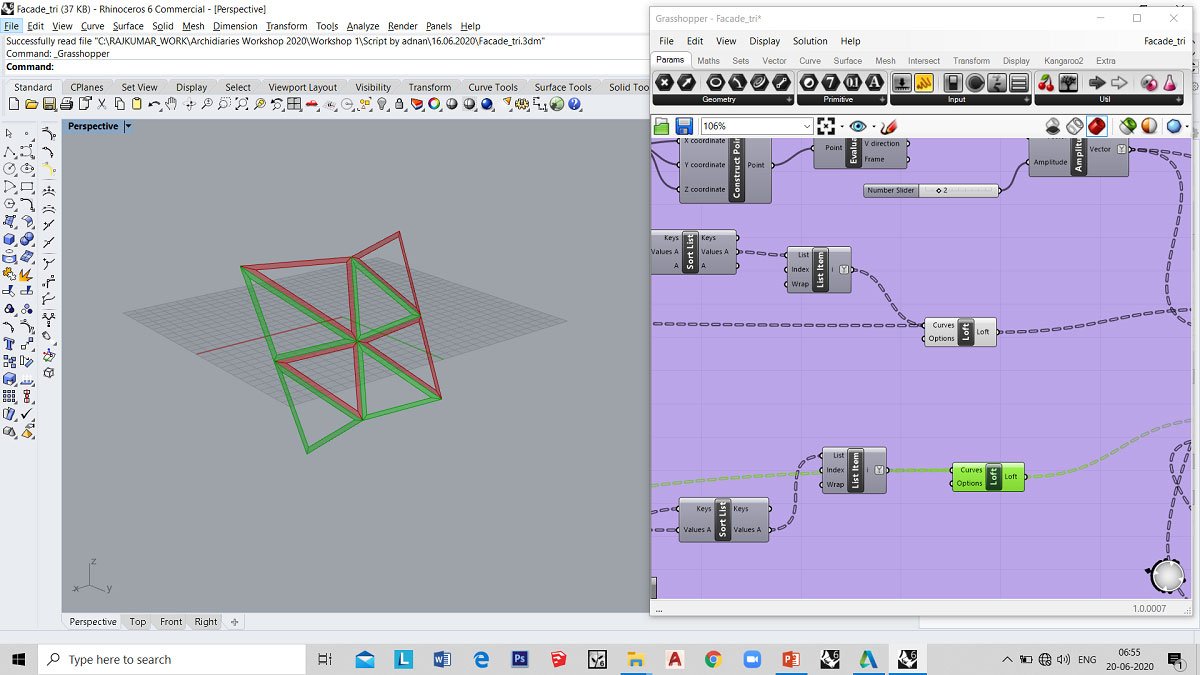
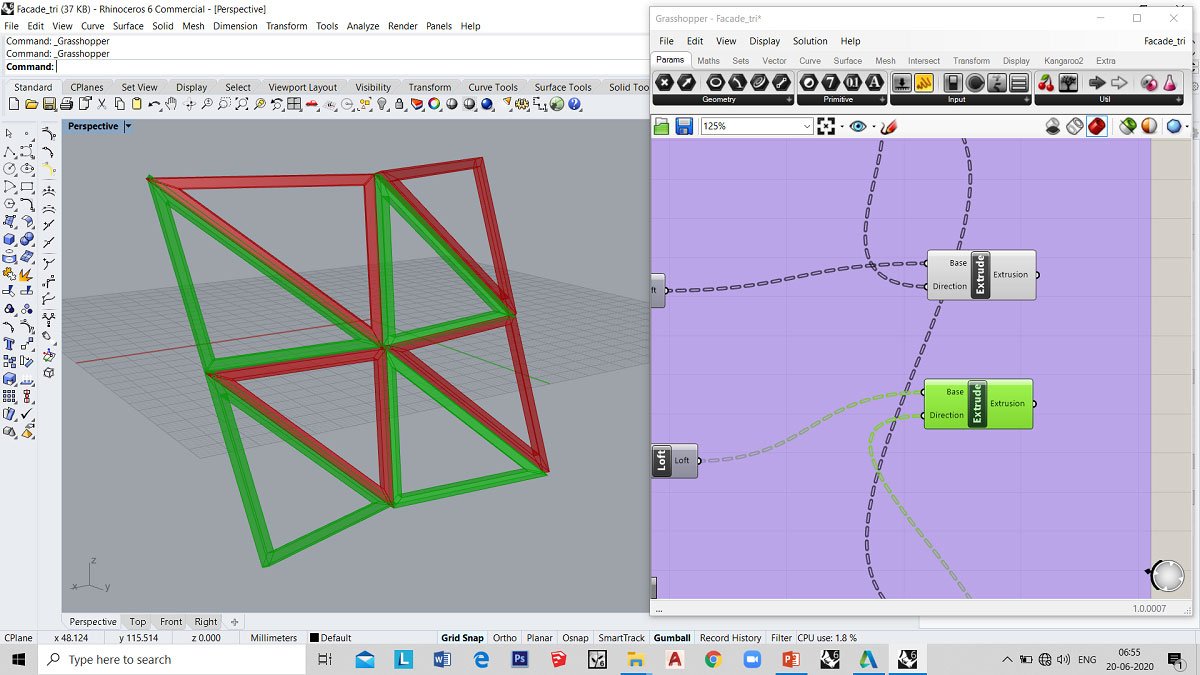
The exercise was on generating triangulated frames/panels from a doubly curved surface. The surface was created in rhino and assigned to grasshopper. The surface is then divided into smaller units using isotrim .Furthermore, any three vertices of the subdivided models were connected to create triangulated surfaces by using the 4pt surface. The curves from the triangulated surfaces were offset. The offset curves and base curves are lofted to create a surface between these curves. Finally, the surface is extruded.
Tools Used: Curve, Loft, Isotrim, Deconstruct brep, Join curve, 4pt surface, offset curve, Sort List, Amplitude, Extrude.
To Register for “Advanced Computational Design” Please visit our website.

Images