15 June, 2020
Software used: Rhinoceros 6, Grasshopper (Plugin)
Tools Used: Box, Polyline, Curves, Material, Texture Mapping, Loft , Patch, Boolean, Move, Clipping Plane, Make 2d, Print display, Drafting-layout-viewport, Scale, Mirror, Rotate, Pipe, Sweep1-2, Revolve, Cplane, Polar array
What did the session cover?
Today’s session was introduction of Rhinoceros 6.
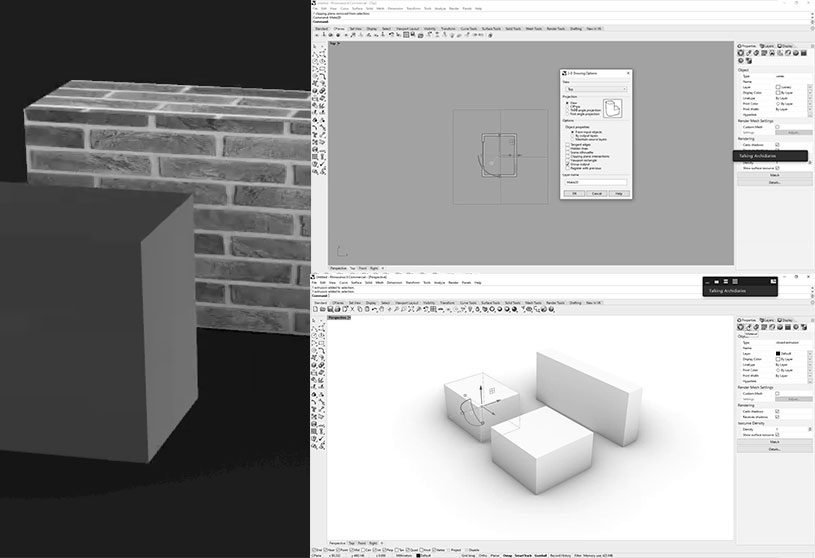
The session covered basic tools required for 3d modelling, followed by demonstration of creating a Room and Openings on the wall using combination of different tools in rhino. The session ended by learning to cut section of a 3d Model and to generate 2d drawing in layout for fabrication or presentation. Students were assigned to design a furniture using Rhino6 as a short exercise.


To Register for “Advanced Computational Design” Please visit our website.

More Workshops @ArchiDiaries

Images